Custom events

Prerequisite
The Custom Events feature is only available to users within an organization who are included in the Model Validation group. Requests must be made to the Marathon administrator to be included in this group.
Custom Events is a feature that allows users to create a special type of events directly on a time series. Common use cases for custom events include:
- Highlighting a period of interest in a timeseries, add notes on equipment behaviour, and tag other users to draw their attention to the data
- Label data for use in training of machine learning models
Creating a custom event
In the Asset or Compare time series view, a new ‘Custom Event’ side panel on the right will be visible. To begin event creation, click on this panel to expand it
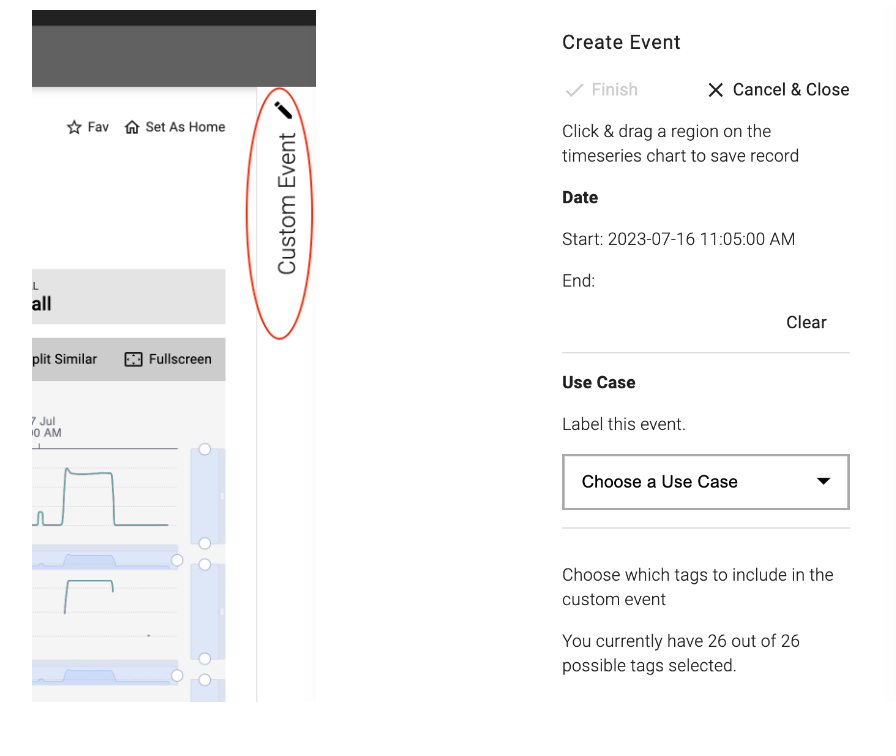
Note
When creating an event from the Compare page all included time series must have a common named ancestor in the Asset Hierarchy or the Create Event panel will be disabled.
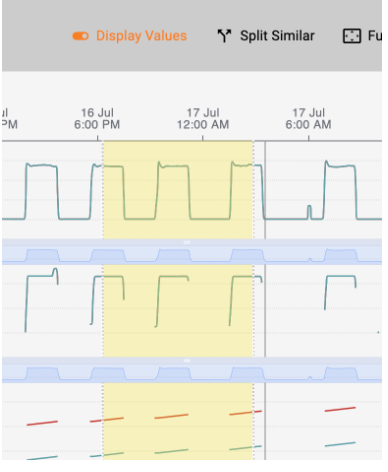
With the ‘Create Event’ dialog box open, the user can click and drag to highlight a region on the time series. The start/end shown in the dialog box will update based on the highlighted region selected.
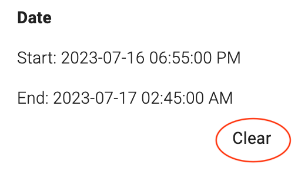
Clicking the Clear button to the bottom right of the displayed dates will remove the highlighted region to start over.
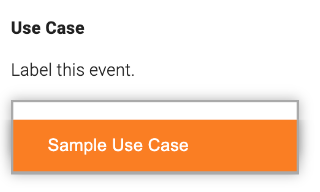
Choose a Use Case from the list to associate the created event with, if no use cases exist in the organization a Marathon administrator will need to create one
The user can select which time series to include in the event by clicking on the eye icon. By default, all time series on the page from which the event was created will be included. A filled eye icon indicates a time series has been included with the event, whereas a grayed eye icon with line through it indicates a time series has been excluded from the event.
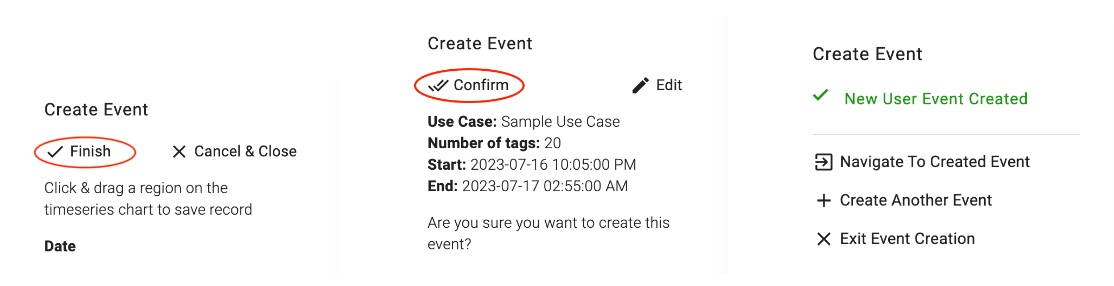
When all required fields have been chosen, the Finish button will become active and the user can then confirm or edit their created event. On confirmation, they will have the option to navigate to the created event’s page or to continue creating other events.
The event page will look like any other Marathon event with the ability to comment and tag other users in a comment to draw their attention to the created event.
Note
Users who are not in the Model Validation user group will not be able to view any event they are tagged in.
To view all user created events from the Events page note that these events are created with severity None. It is necessary to adjust the filters to include severity None, which is excluded by default, and also to select Event Source as User Event.
