Compare

The Compare page displays a comparison of asset performance. This lets you compare performance of similar items across your fleet.
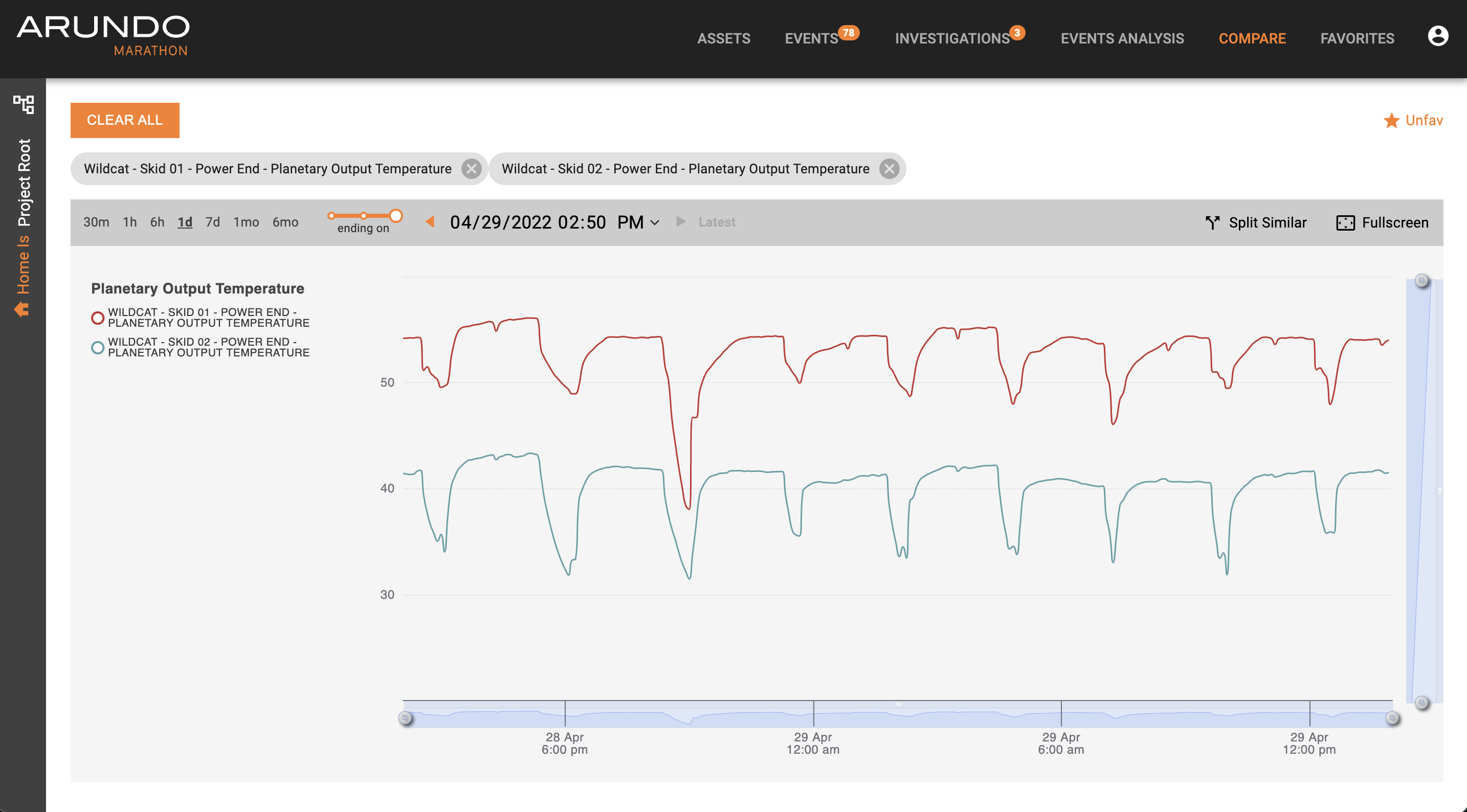
Comparing Asset Performance
Here's how to compare the performance of assets:
- Access Marathon.
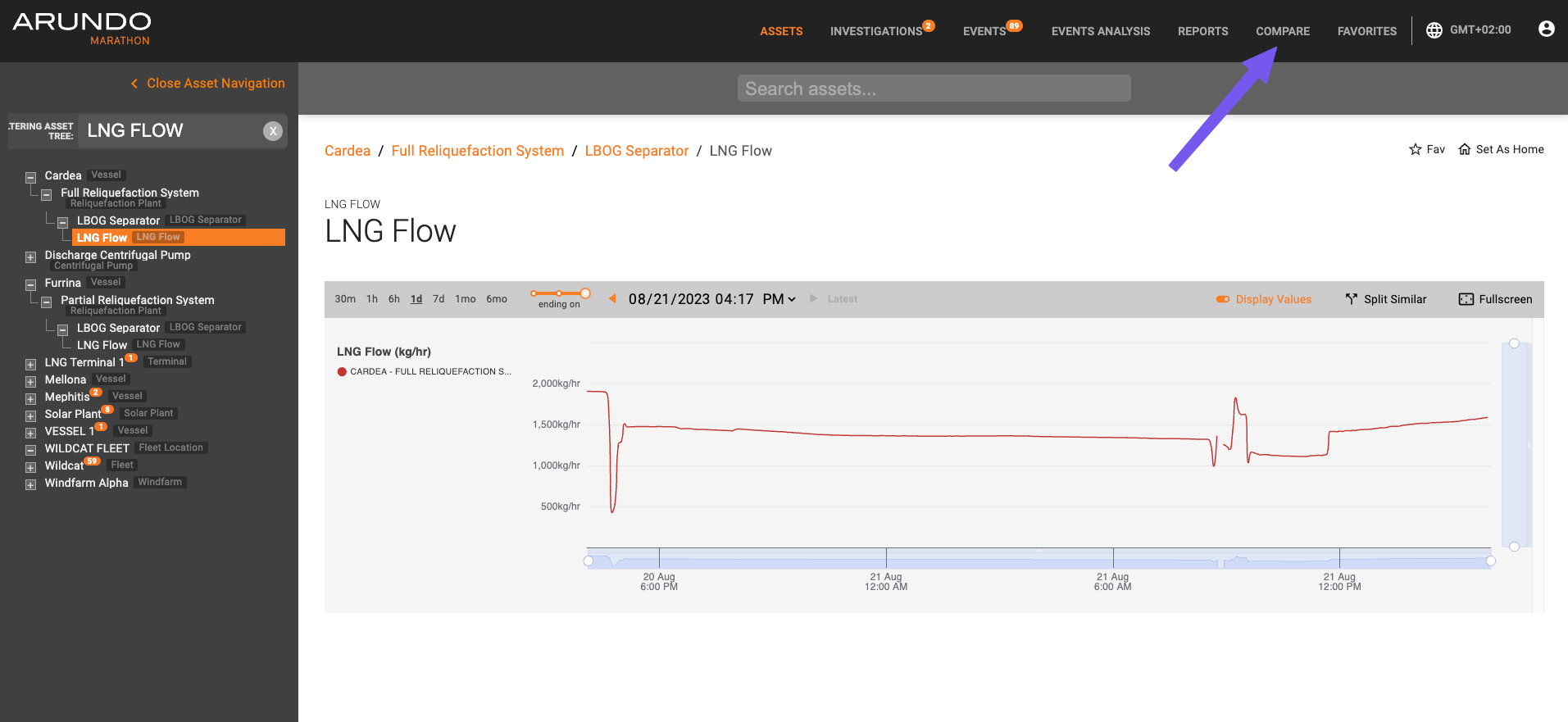
- Click Compare on the Navigation bar.
-
On the sidebar, click and drag assets you wish to compare to the main view.
-
A time-series graph for the last 24 hours displays.
-
Analyze the data:
Please visit Navigating Time-Series Data page for more information.
-
To end the current comparison, click on Clear Selection to remove all selected assets or click and remove specific assets respectively.
Last update: April 11, 2024